Pinterest Accessibility Hub
A new accessibility personalization feature for Pinterest, designed to make the platform inclusive for users with visual disabilities.
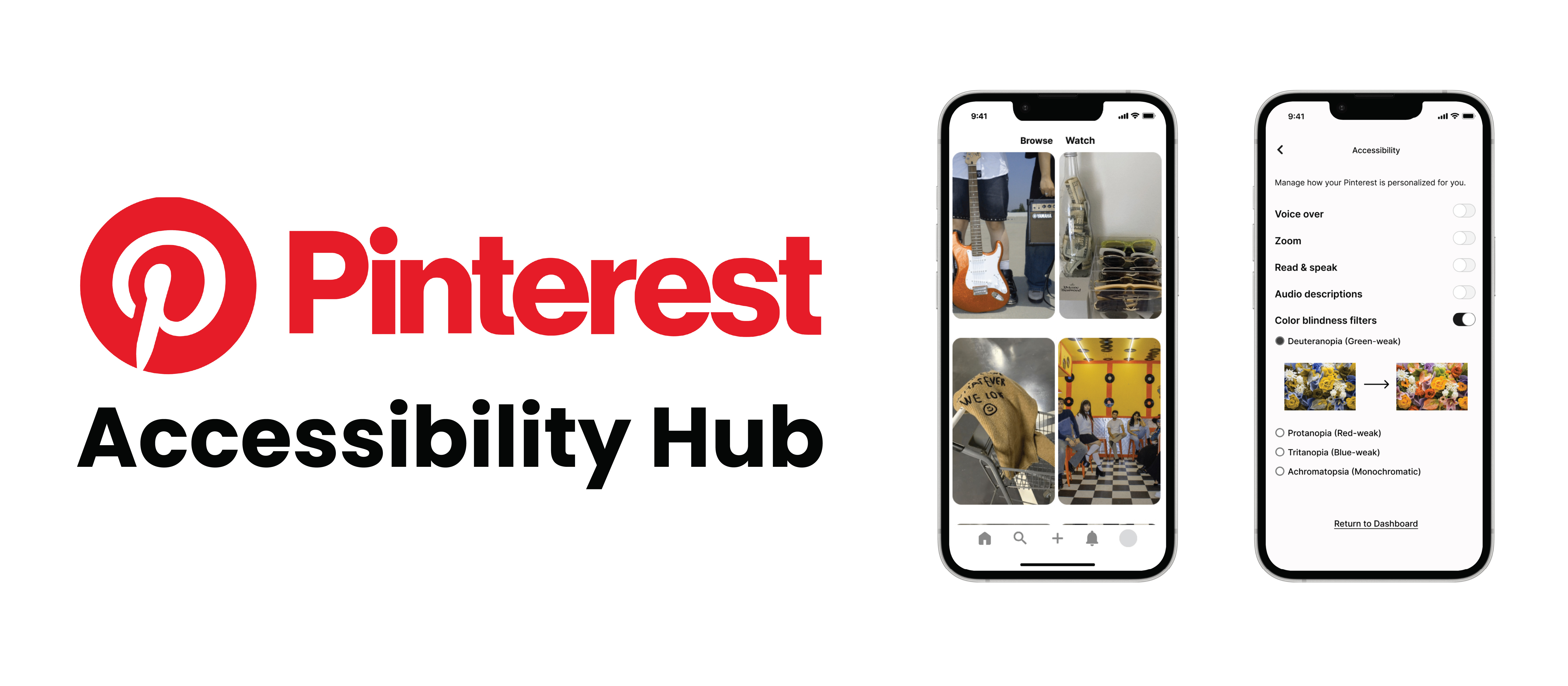
A new accessibility personalization feature for Pinterest, designed to make the platform inclusive for users with visual disabilities.
Pinterest is a visually driven platform, but for users with visual disabilities, navigating image-heavy content can be a significant barrier. This project introduces the Accessibility Personalization Hub, a new settings feature that lets users customize how they experience Pinterest based on their individual needs.
Design an accessibility feature for Pinterest that addresses the needs of users with visual disabilities, making the platform more inclusive and customizable.
Pinterest's existing experience leaves users with visual disabilities without meaningful support. Several key gaps make the app difficult or impossible to use fully.
High school senior · Aspiring creative
Goals
Frustrations & Pain Points
Eli visits the Accessibility Personalization Hub and enables the protanopia filter and labeled color swatches. Now when he browses fashion pins, the reds and greens he once couldn't distinguish are shown in clear, corrected tones with readable color names. He confidently chooses outfits without worrying about mismatching colors, and Pinterest finally feels built for the way he sees.
The Accessibility Personalization Hub lets users with visual disabilities customize how they experience Pinterest. Users can access the hub through settings whenever they want to adjust how they browse or shop.
Audio-First Mode transforms pins into formats that are easier to hear.
High-contrast themes and enlarged text improve visibility for low-vision users.
Color-blind filters with a real-time preview let users instantly fine-tune their settings.
The high-fidelity prototype adds an accessibility option to Pinterest's settings that was previously absent, with the core feature centered on color blindness support. Next steps would include generating images with appropriate filters so users can select the right one for them.